Showcase · Skuul
Skuul was built on April UI.
Skuul is an open-source school management system, written with Laravel and Livewire. The demo has sample data for a school with two campuses.
Features
What Skuul covers
Multi-campus schools
One install can hold several campuses. Each campus keeps its own records and books.
Gradebook
Assessments with weights and due dates, and marks for each subject.
Timetables
Weekly schedules for each section, in day, week, or month view.
Finance ledger
Invoices and payments post to a ledger, with a balance for each learner.
Attendance
Mark the register for a section and a day. The dashboard shows the totals.
Family portal
Parents see their children’s results, attendance, and invoices.
Record sharing between campuses
A campus can request a learner’s records from another campus. Each request needs approval.
Demo
Screenshots from the demo
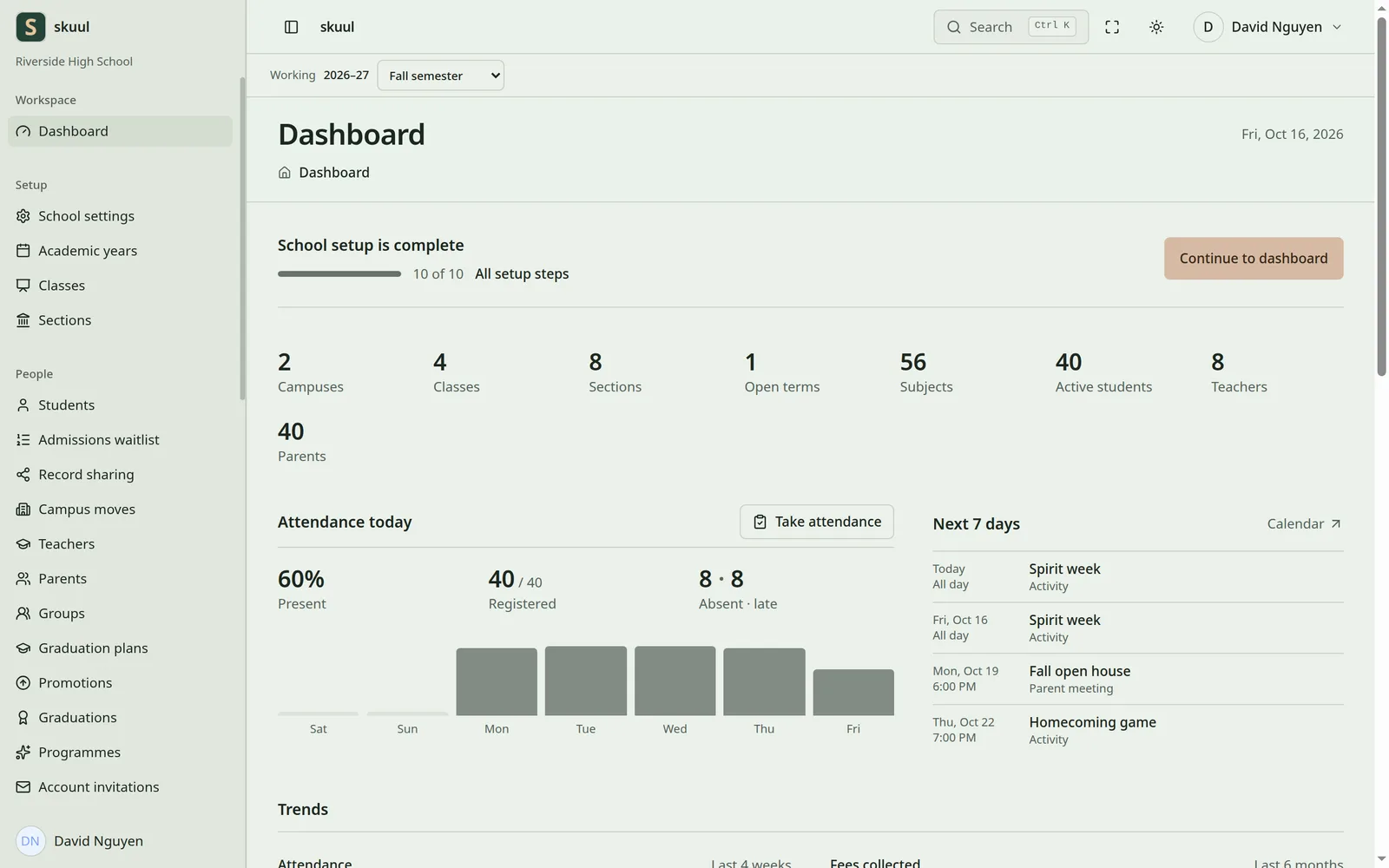
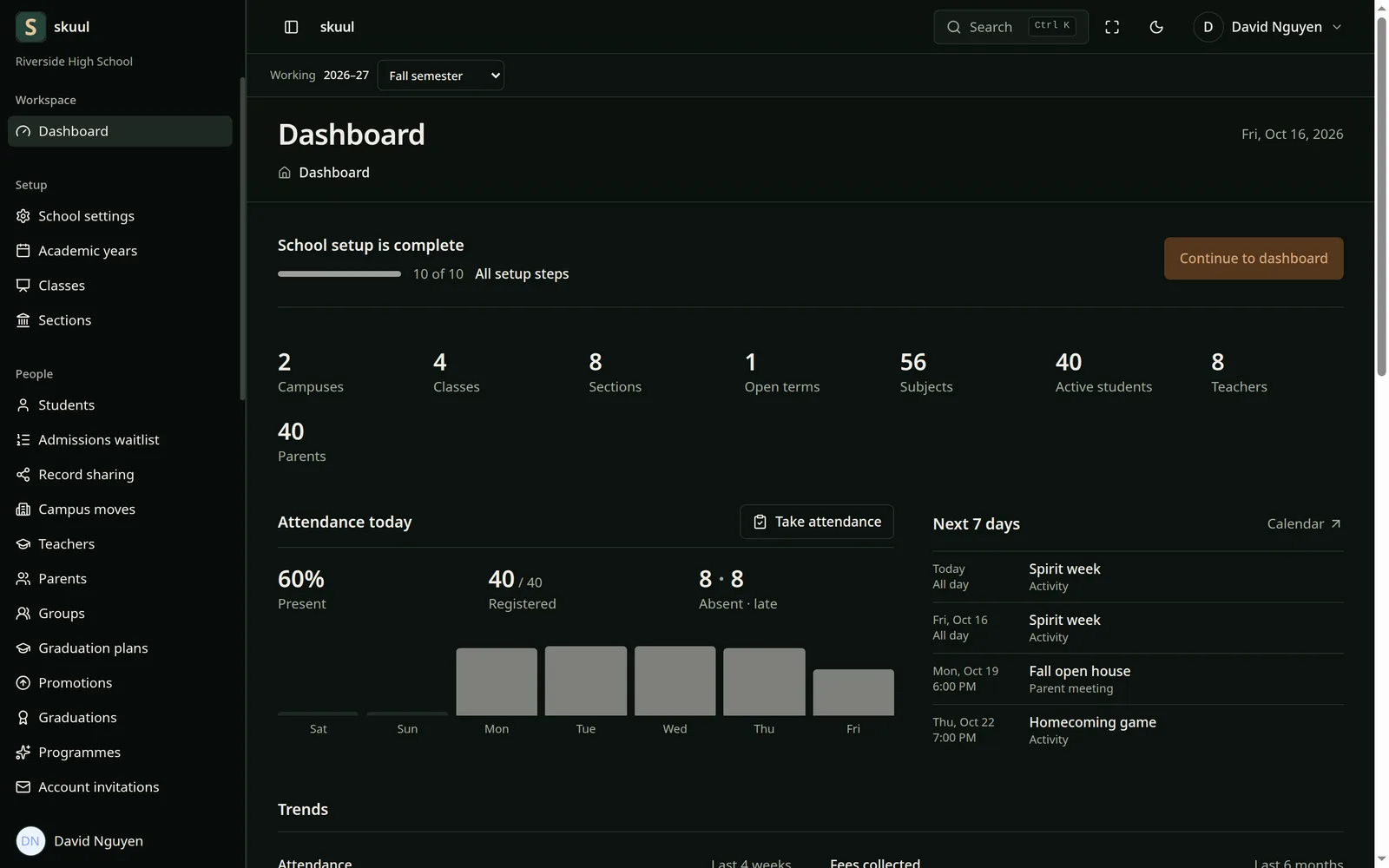
The screenshots change with this site’s light or dark theme.
Administrator dashboard
Setup progress, school totals, attendance for today, and the next seven days.
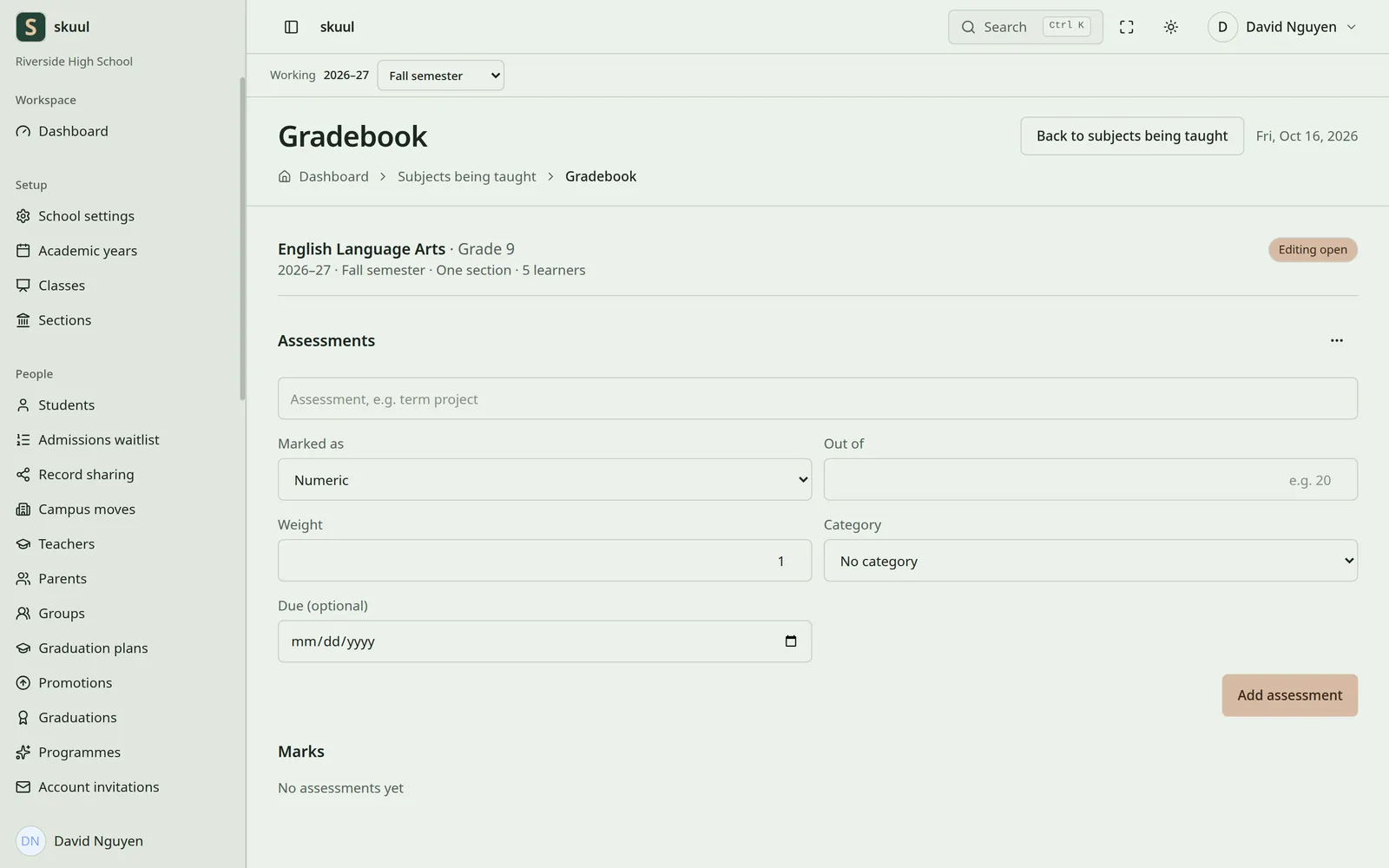
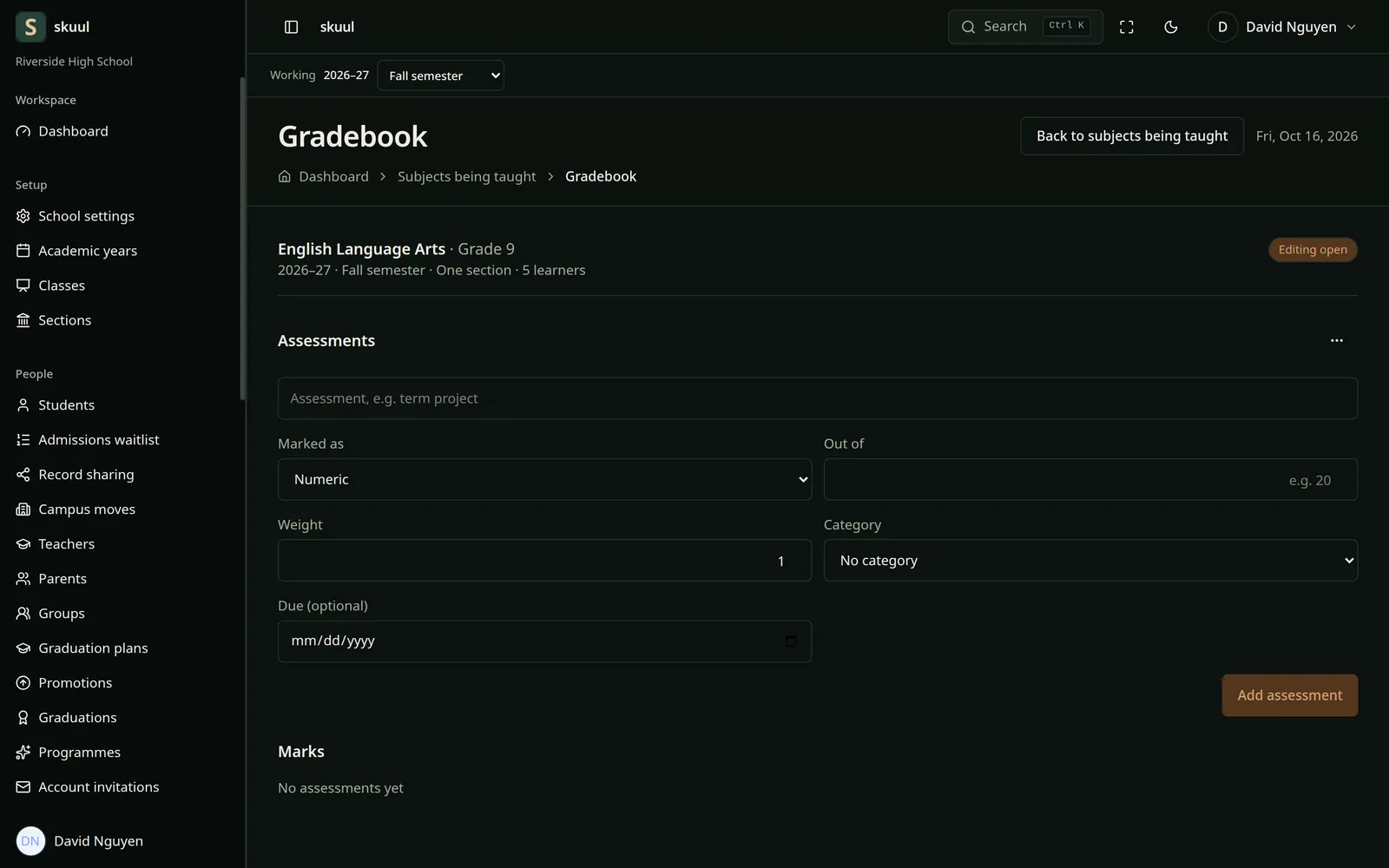
Gradebook
Teachers add assessments with a type, a weight, and a due date, then enter marks.
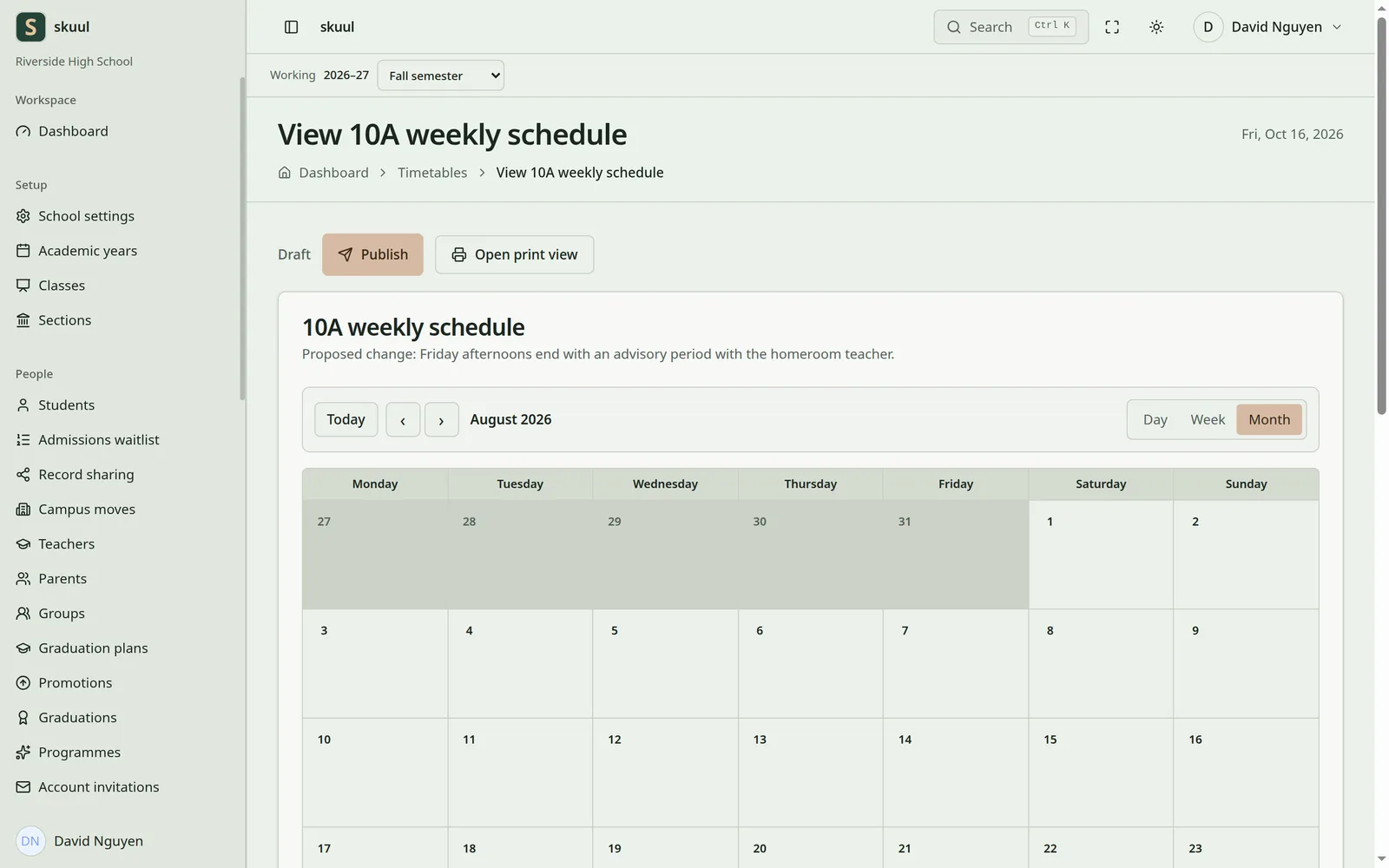
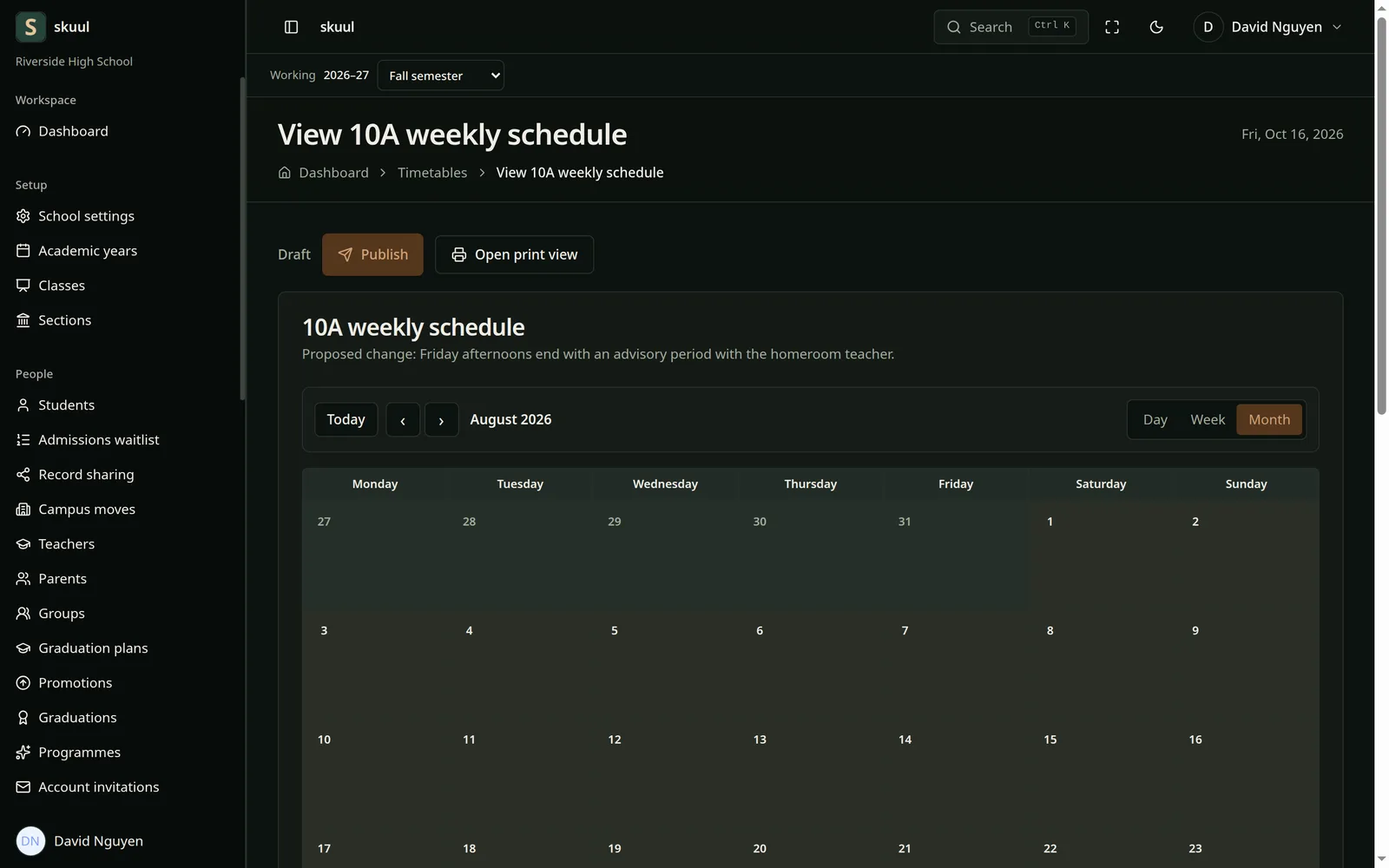
Timetable
A weekly schedule with day, week, and month views. Publish it when it is ready.
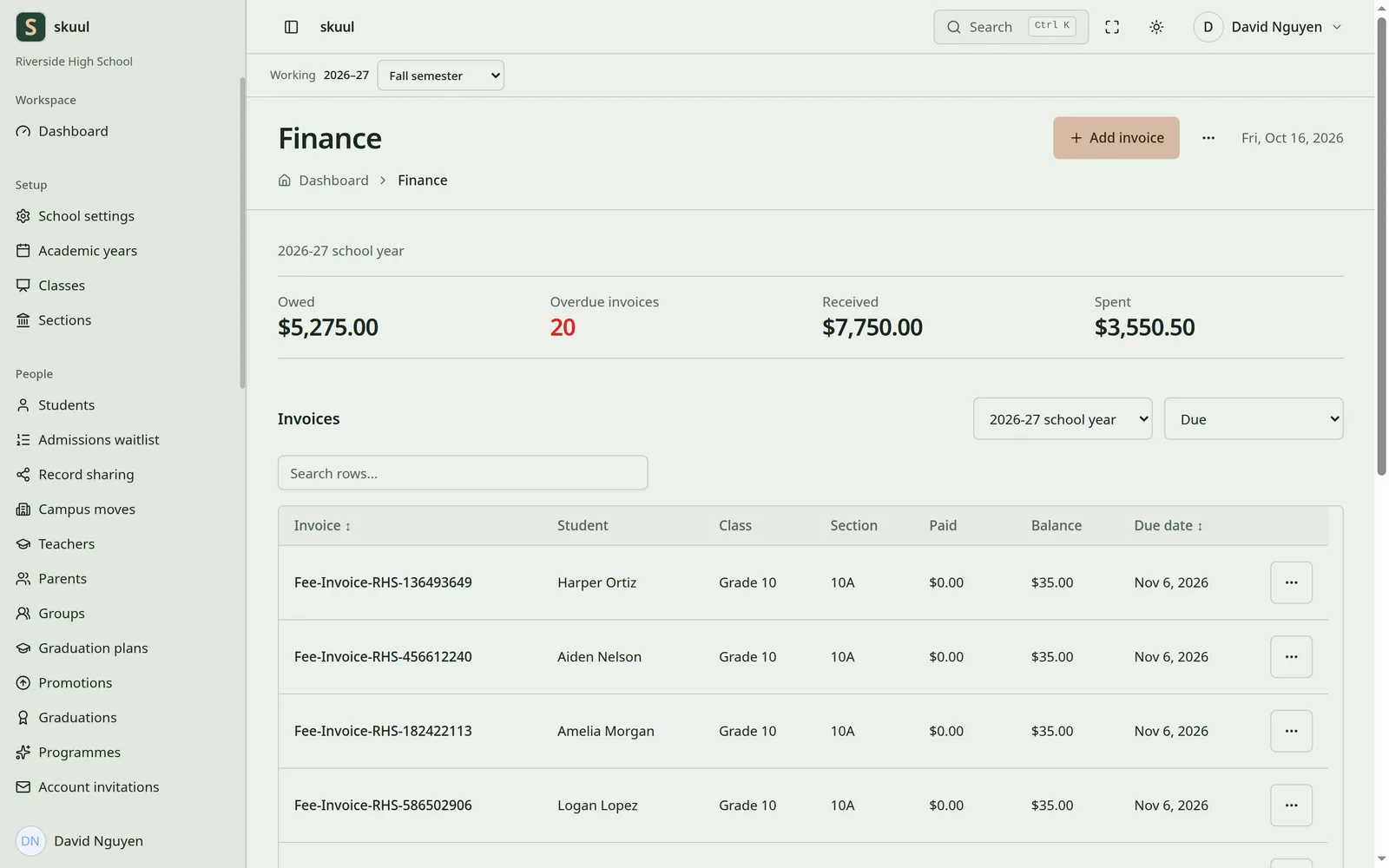
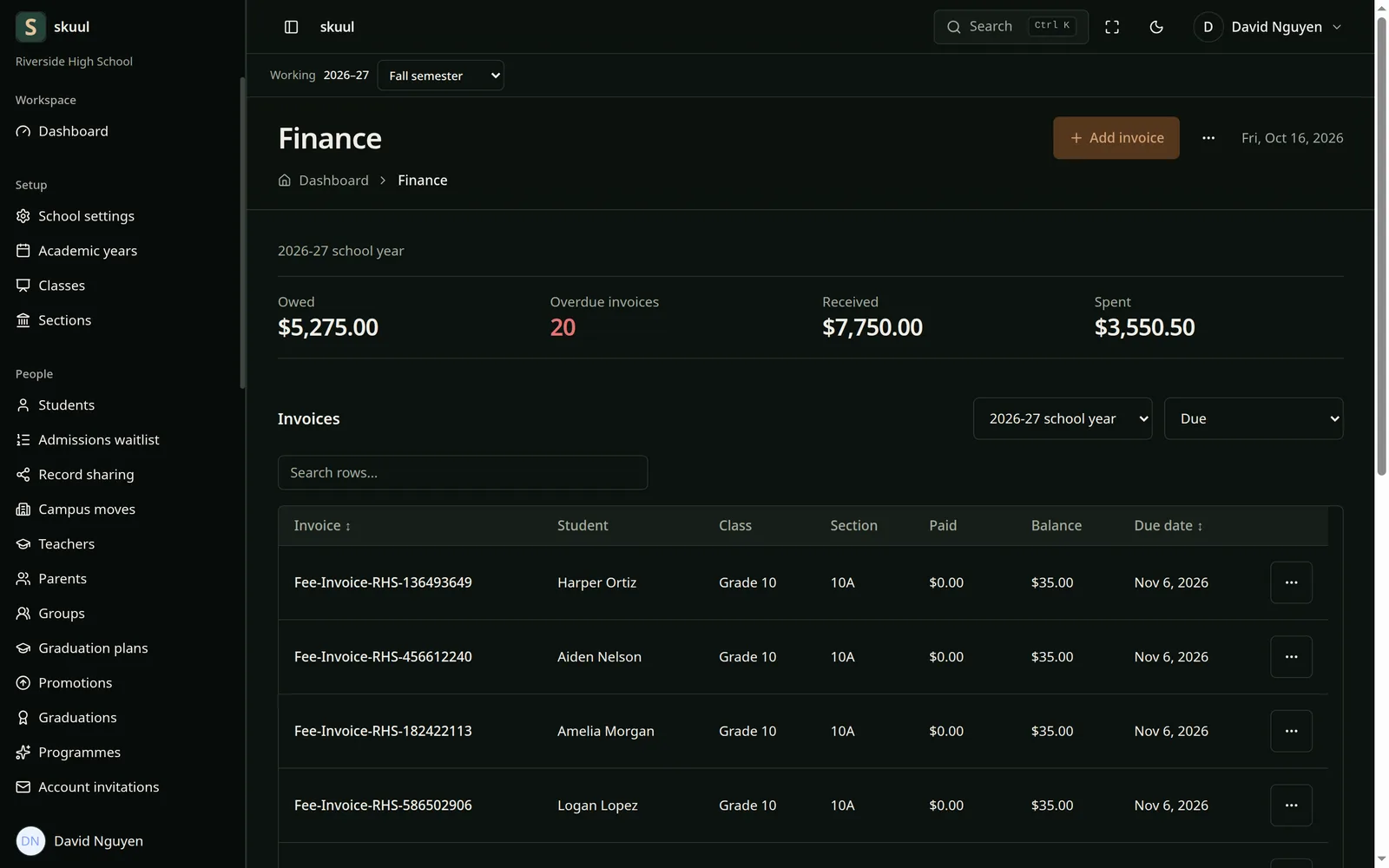
Finance ledger
Owed, received, and spent at the top. A searchable table of invoices below.
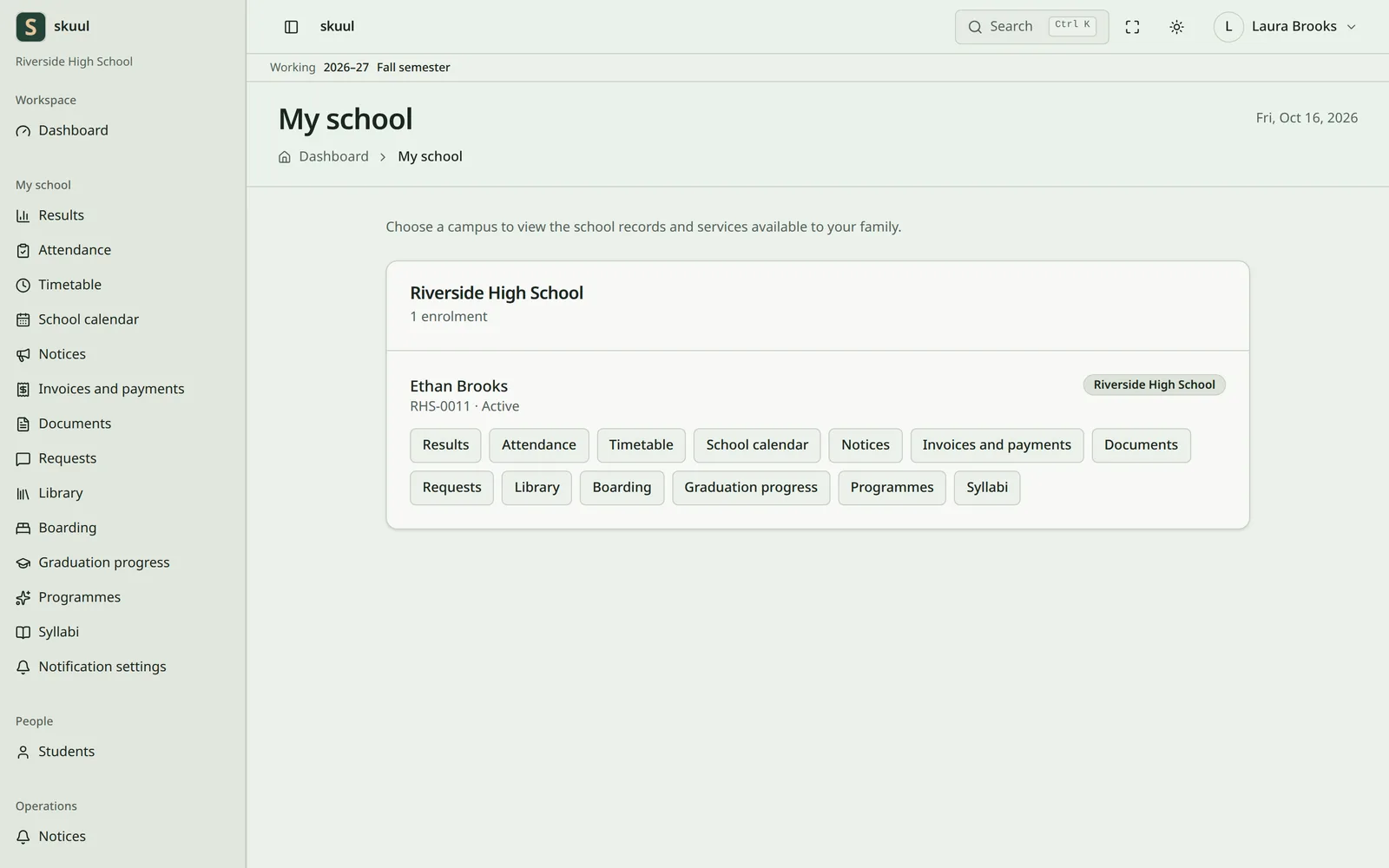
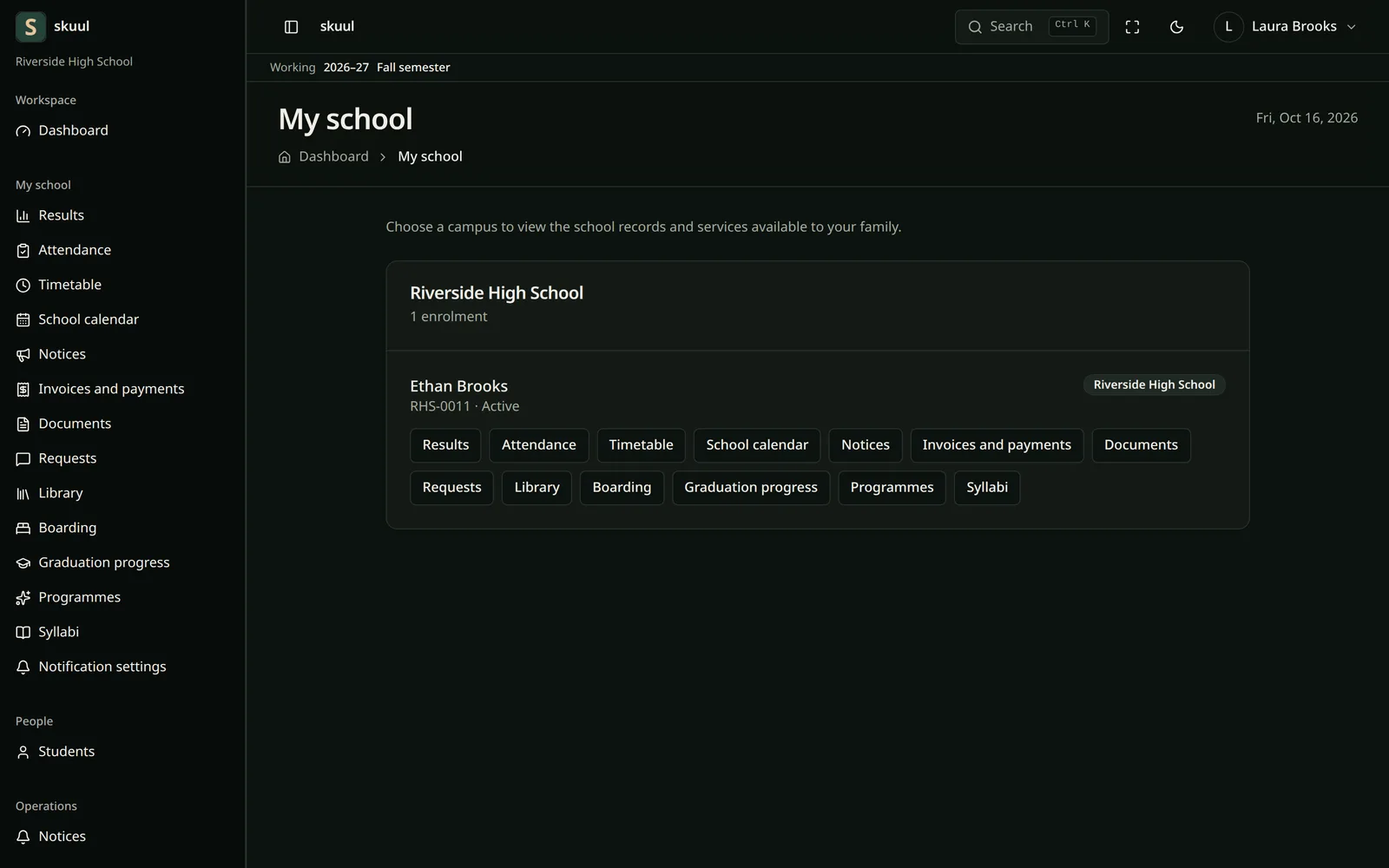
Family portal
Each page a parent or student can open is listed in the sidebar.
Components
April components in Skuul
Skuul uses these 13 components. Each card links to the component’s docs.
Button
Form actions, such as Publish and Add invoice.
Card
Dashboard panels and campus cards.
Data Table
Invoices, students, and teachers, with search and sorting.
Dropdown Menu
Row actions and the user menu.
Input Group
Fields with units, icons, and buttons.
Badge
Status labels such as Draft and Editing open.
Alert
Notices and form errors.
Dialog
Confirmations and quick forms.
Combobox
Search-as-you-type pickers for students and classes.
Chart
Attendance and fee trends.
Steps
The school setup checklist.
Sidebar
The app shell, with grouped navigation.
Tooltip
Short hints on icon buttons.